

Take back control of your personal data with SOMI App - now also available on the web!
Over the past few months, our team has been working hard to extend your experience within SOMI App from your mobile devices directly to your web browser to provide you with greater insight and control over your online safety and the protection of your personal data.
 Sep Wed 02 2026
We are excited to announce that SOMI App is now available on the web! 🎉
Over the past few months, our team has been working hard to extend your experience within SOMI App from your mobile devices directly to your web browser to provide you with greater insight and control over your online safety and the protection of your personal data.
Try SOMI Web App and start exercising your GDPR rights now!
Earn HT effortlessly by connecting with friends, verifying your identity, and more. Use them to collect and erase the data companies have on you, investigate potential data leaks, and take control of your digital footprint.
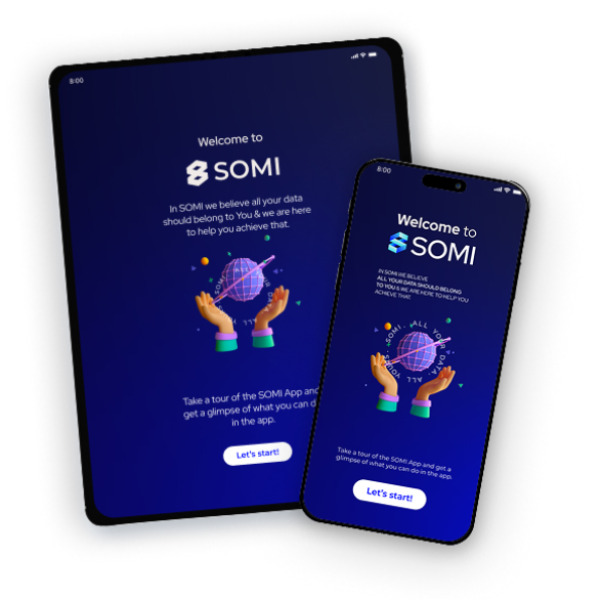
How to get started?
Go to app.somi.nl. ⬇️ Use the SOMI Web App on your preferred browser.
Log in with your email address or phone number. 🔑 We will send you an email or sms with secure login code to access your account.
Discover the power of SOMI in action. 🔍 Complete your profile and start earning HT. You can use them to take control over your digital footprint.
Watch the video and learn what you can do with SOMI Web App. 👇
Verify Your Phone Number.
Your privacy and security are our top priorities. That’s why we’re asking all SOMI members to verify their mobile number to add an extra layer of security to your account. Once verified, you can use your phone number to log in to the SOMI App and Web App easily and securely.
There are 2 ways you can verify your mobile number. 👇
1. Login to SOMI App with your email address.
2. Go to My Account and select Personal Information.
3. Enter your phone number in the Contact Information field. You will receive an SMS with a 6-digit code.
4. Enter the code to verify your phone number.
Or
1. Log in to the SOMI App using your phone number.
2. You will receive an SMS with a 6-digit code. Enter the code in the SOMI App.
3. On the next screen, enter your name, email address, and country of residence.
4. We will send a verification code to your email. Enter the code in the SOMI App to complete the process.
Verify your phone number before October 31 and receive a Silver Package on SOMI App — our gift to help you take back control of your personal data.
After the mobile number verification, you will find your Silver Package directly in your Wallet, under Your Subscriptions & Packages.
What are you waiting for? 🚀 Go to SOMI app and verify your mobile number and get rewarded, you have time until October 31st.
Manage Your Communication Preferences
You can now easily manage your consent for email and phone communications directly in the SOMI App and Web App.
To update your preferences:
1. Go to My Account and select Personal Information.
2. You can find your communication preferences under your Contact Information.
3. Choose which types of communications you’d like to receive from SOMI, including updates about your claims, referral opportunities, and investment opportunities.
You’re always in control of how we contact you, and you can update your preferences at any time.